Most link pages send people to one profile. Streamers rarely live on one network. A Twitch stream, a TikTok live, and a Kick channel can all be active in the same week, and fans should not have to guess which tab is the right one.
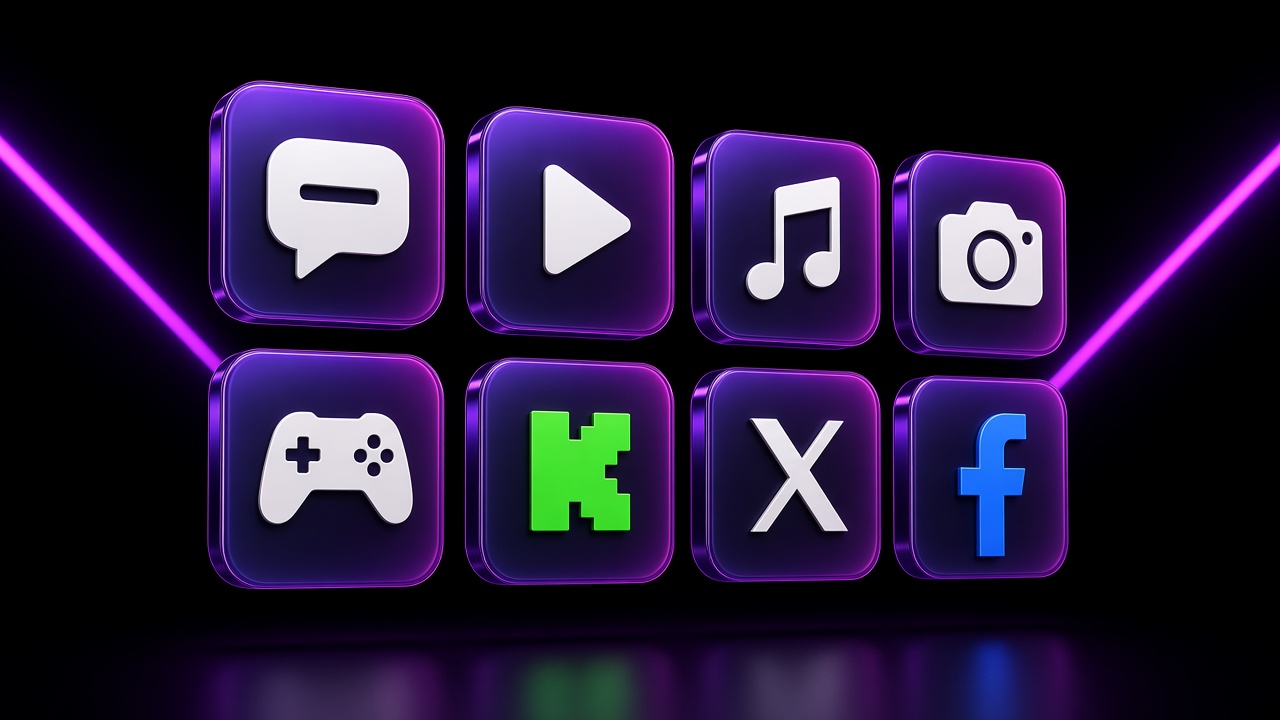
A StreamrList creator page keeps those links together. Each platform stays on the page as its own button. When a channel is live, the page adds a watch button for that platform and a Watching now count.
That count is the combined audience, not a single network's number. If you are live on Kick and TikTok at the same time, both buttons stay on the card and the header until each room actually ends.
Use the page URL as the link in your bios, panels, and Discord. Fans land on one address, see who you are, and jump straight into whichever stream is on.